


Setting up your belkin router so make your server public easy pictures guide

 Likes: 0
Results 1 to 10 of 95
Hybrid View
-
26-03-11, 04:09 PM #1Grunt




- Join Date
- Mar 2011
- Posts
- 46
- Post Thanks / Like

- Rep Power
- 15
- Reputation
- 20
-
26-03-11, 07:38 PM #2Beginner


- Join Date
- Mar 2011
- Posts
- 16
- Post Thanks / Like
- Rep Power
- 15
- Reputation
- 1
Unfortunately I have Linksys. But I believe I have all the ports open that I need. 3724 and 8085. What is the probem for the pic I posted?
-
26-03-11, 08:14 PM #3Grunt
- Join Date
- Mar 2011
- Posts
- 46
- Post Thanks / Like
- Rep Power
- 15
- Reputation
- 20
take pictures of your linkys so i can see! can you go to your ipaddress your real IP address that is located here
myIPaddress.com: What is my IP address? How do I find my IP address?
and copy that IP and paste it in your web brower and go to your website page?
if you can then check at your friends to see if he can see your site.
if he can then your on the right track..
if no then your not public yet
-
26-03-11, 08:43 PM #4Beginner
- Join Date
- Mar 2011
- Posts
- 16
- Post Thanks / Like
- Rep Power
- 15
- Reputation
- 1
I went to my realIP poster there, and when I put it into my URL it just went to a blank unconnected page. So its not working I have a picture of my Linksys home page
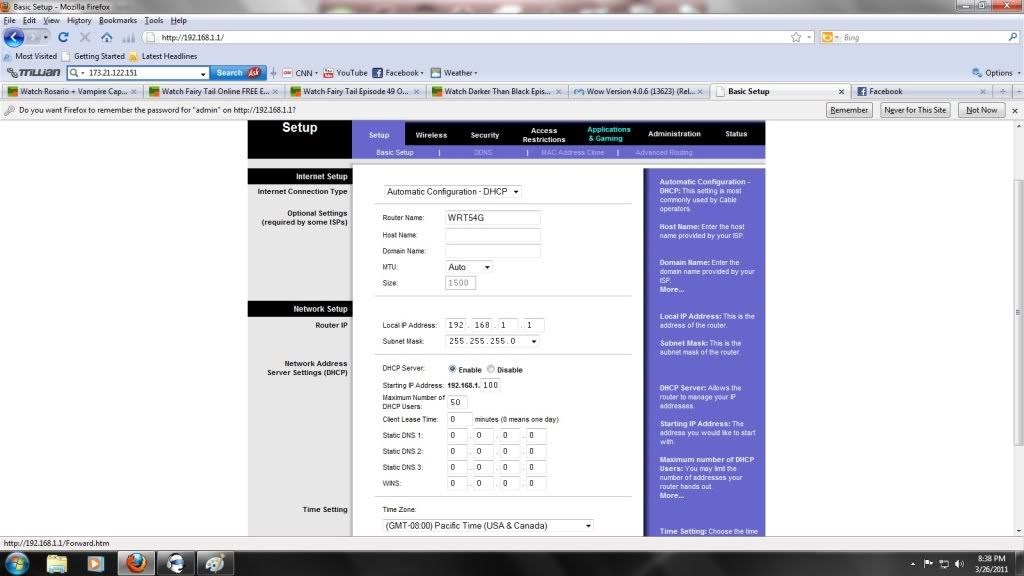 And here is a picture of my Ports Forward Page.
 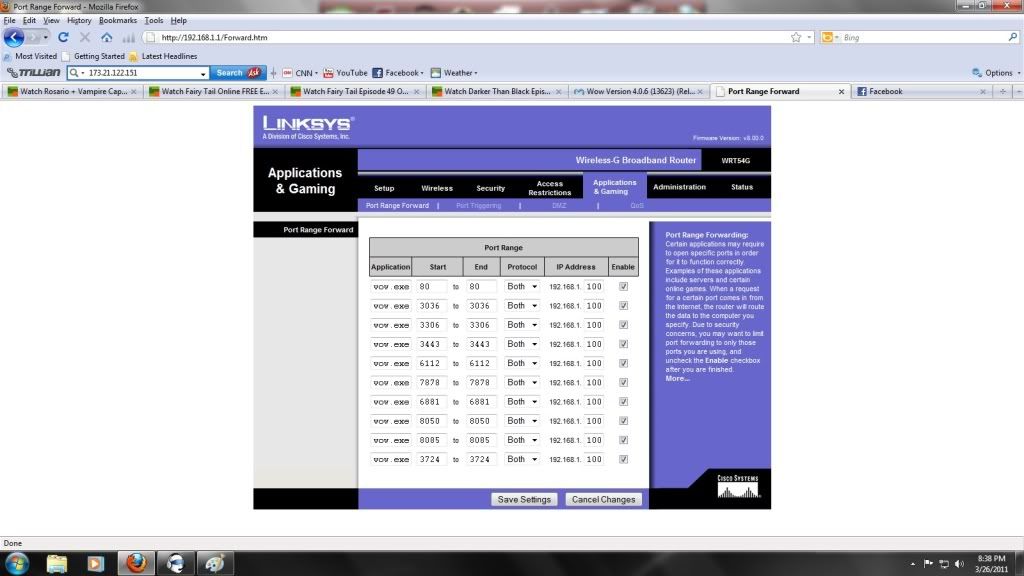 Also it will not let me download repack version 2.3?
-
26-03-11, 08:54 PM #5Beginner
- Join Date
- Mar 2011
- Posts
- 16
- Post Thanks / Like
- Rep Power
- 15
- Reputation
- 1
Ok I got this, this time.
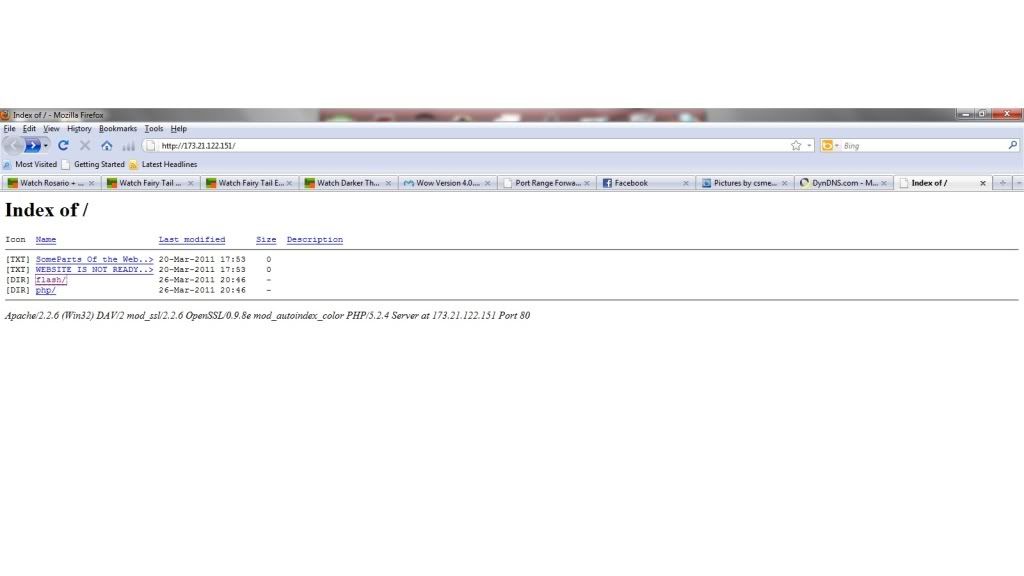 What do I need to do here?


 Reply With Quote
Bookmarks