


Ok so I wanna make one thing clear, This is NOT a wow logo or anything related to wow. This is how to make your own custom logo.
This is a realy easy and basic logo creation tutorial.
ok so let's get started.
Step 1
Getting Started
Ok start with the size, I will use 700x500 in this tutorial.
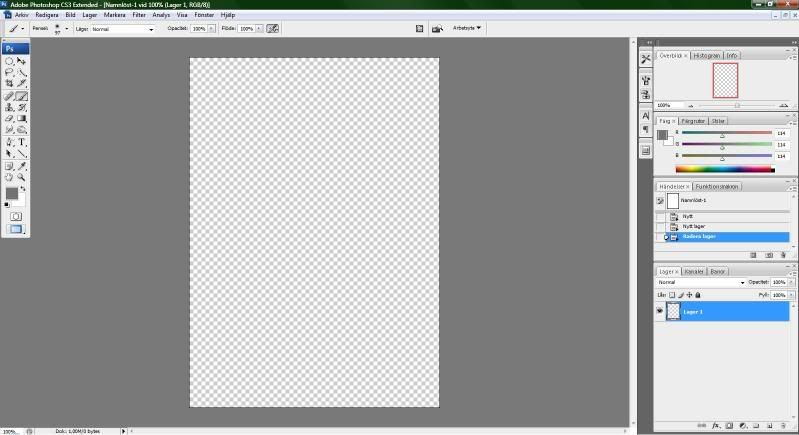
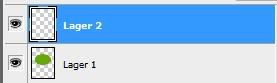
Now when you have done that, make a new layer and delete the "Background" layer.
It should look like this
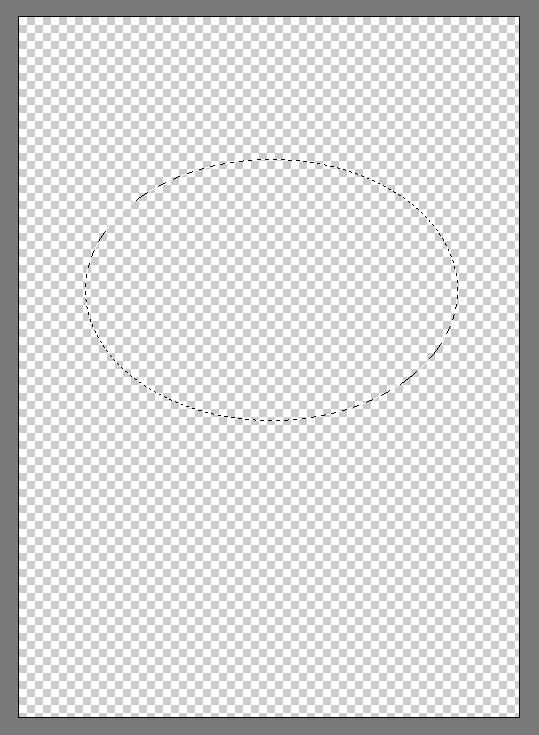
Now use the Circle tool:
and make a cricle
Step 2
The First Line
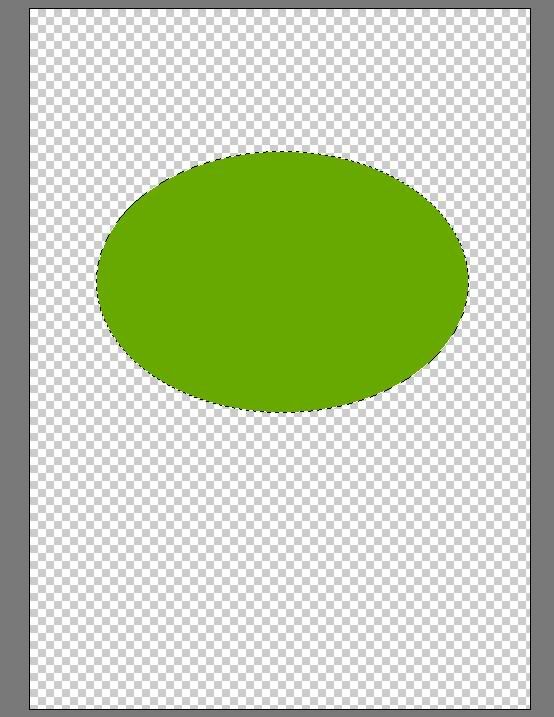
Now when you have made the circle you select the brush tool
and select the color you want and then color inside the circle.
Done that now? Good. Take a 1 min pause
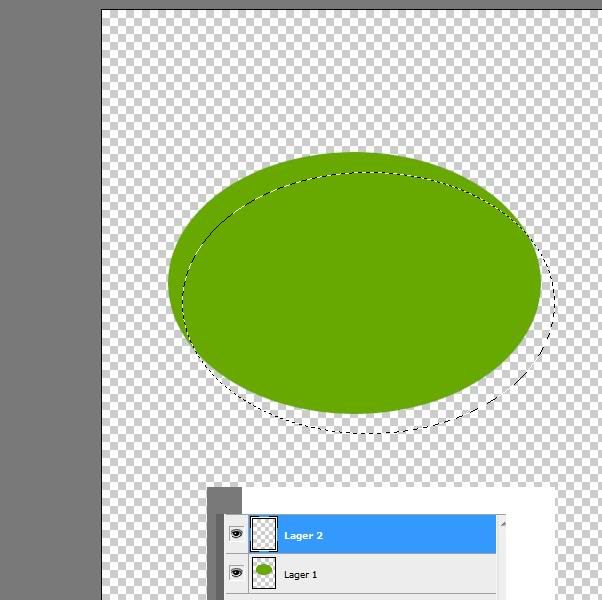
Create another layer so you got 2 layers and select layer 2
and then select the circle tool again
and move the circle
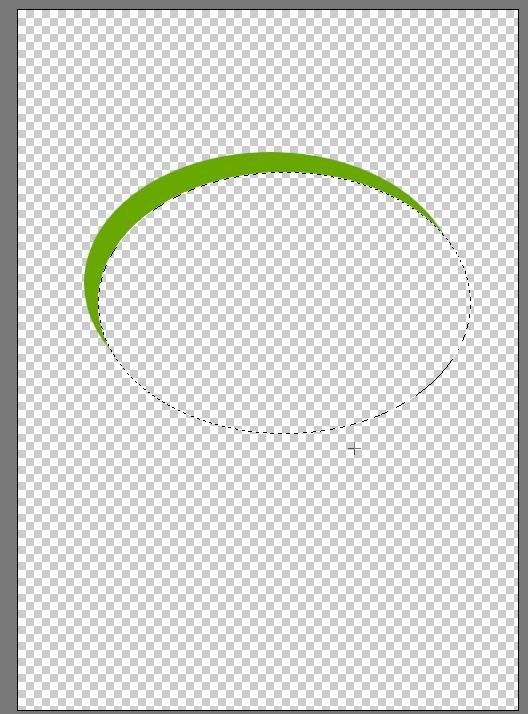
then select layer 1 again
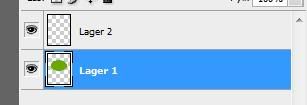
and press delete so it looks like this:
Step 3
Before you write text you can customize it further look on examples further down on the page,
Now select the Text tool select the font and size of the text and place it where you want it and then write what you want just look further down on this page to see 2 examples.
2 Examples that I made
By LS12

 Likes: 0
Results 1 to 8 of 8
Threaded View
-
29-03-09, 02:47 PM #1Scout


- Join Date
- Feb 2009
- Location
- 00110101 01110111 00110011 01100100 00110011 01101110
- Posts
- 9
- Post Thanks / Like

- Rep Power
- 18
- Reputation
- 32

 [Graphic Tutorial] Create your own logo EASY





 Reply With Quote
Bookmarks